
8 Best Cold Email Software Tools Compared (2026)
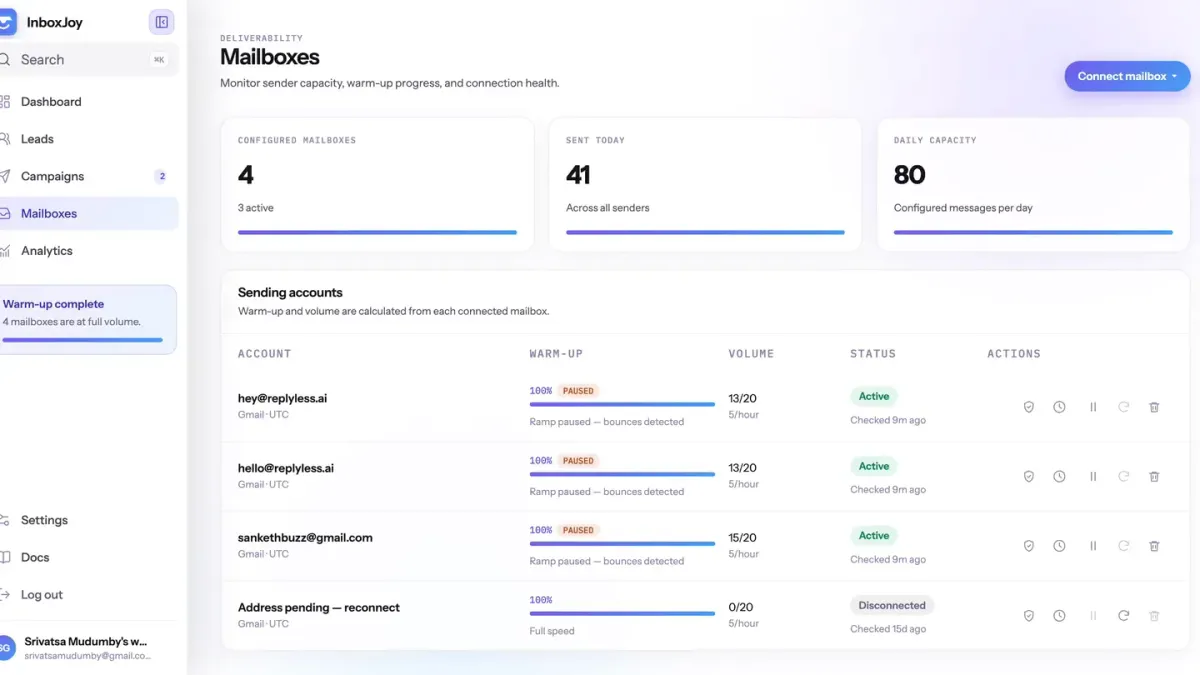
Picking cold email software used to be simple: find the cheapest tool that could send a sequence from your Gmail. In 2026 that approach gets your domain burned in a week. Google and Microsoft now watch bounce rates, spam complaints and sending patterns per mailbox, so the tool you pick has to protect your reputation while it sends.
We tested the eight cold email tools founders and small sales teams ask us about most. Below you'll find what each one costs at list price, where it shines, where it falls short, and real screenshots of each product.
Quick disclosure: we build InboxJoy, so it's on this list. We've kept its section to the same template as every other tool, including the downsides.
TL;DR: the quick picks
- Best overall for founders and small teams: InboxJoy. Unlimited mailboxes with automatic rotation and bounce protection for $25/month at launch pricing.
- Best for high-volume senders who also want leads: Instantly.
- Best for agencies running many clients: Smartlead.
- Best for email plus LinkedIn in one sequence: Lemlist.
- Best if you need a contact database first: Apollo.io.
- Best for email, calls and SMS together: Reply.io.
- Best for pay-as-you-go usage pricing: Woodpecker.
- Best for a simple tool with a built-in dialer: Mailshake.
Try InboxJoy free for 7 days →
Cold email software compared
| Tool | Starting price (monthly billing) | Mailboxes on entry plan | Best for |
|---|---|---|---|
| InboxJoy | $25/mo (launch price) | Unlimited | Founders and small teams |
| Instantly | $47/mo | Unlimited | High-volume senders |
| Smartlead | $39/mo | Unlimited | Agencies |
| Lemlist | $69/mo | Unlimited senders | Email + LinkedIn |
| Apollo.io | Free, paid from ~$59/user/mo | Varies by plan | Prospecting data + email |
| Reply.io | ~$59/mo (email volume plan) | Unlimited (fair use) | Multichannel teams |
| Woodpecker | $7 per 100 contacted prospects | Unlimited | Usage-based pricing |
| Mailshake | $29/mo | 1 | Simple outreach + dialer |
Prices are list prices on each vendor's pricing page as of September 2026, monthly billing. Most tools are cheaper billed yearly.
What actually matters in cold email software in 2026
Every tool on this list can send a three-step sequence. The differences that decide whether your emails land show up in five places:
- Mailbox rotation. Spreading sends across several mailboxes keeps each one well under the volume that triggers filters. Tools that charge per mailbox quietly push you to overload one inbox.
- Warm-up and ramp. New mailboxes need to start small and climb. The best tools ramp real campaign volume automatically.
- Bounce protection. A bounce rate above roughly 2% is the fastest way to lose a domain. Your tool should notice and slow down on its own.
- Reply detection. Follow-ups must stop the moment someone replies. Sending "just bumping this" to someone who already answered is how spam complaints happen.
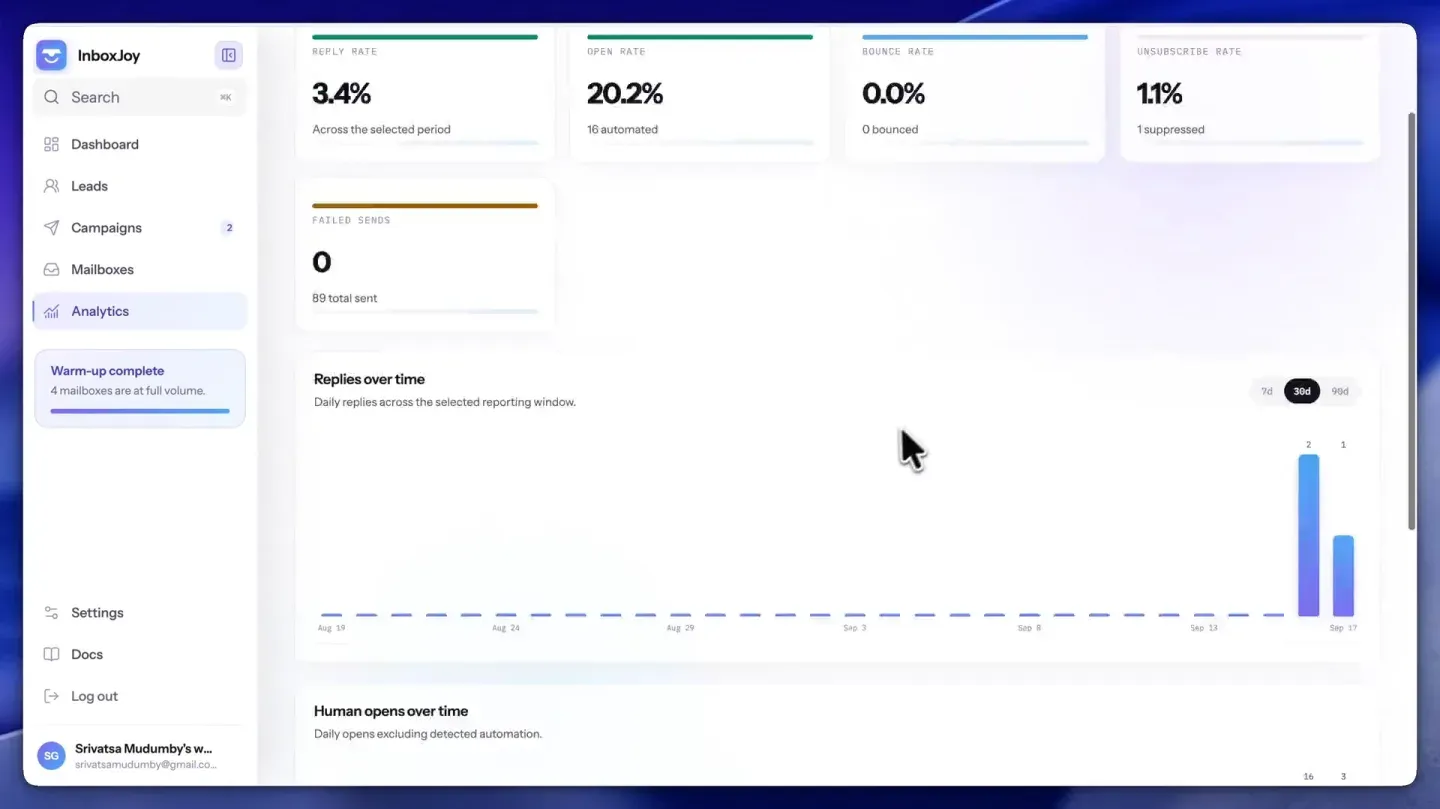
- Honest analytics. Apple Mail and corporate security scanners open emails automatically. Open rates that count those bots will make a dead campaign look healthy.
1. InboxJoy: best overall for founders and small teams
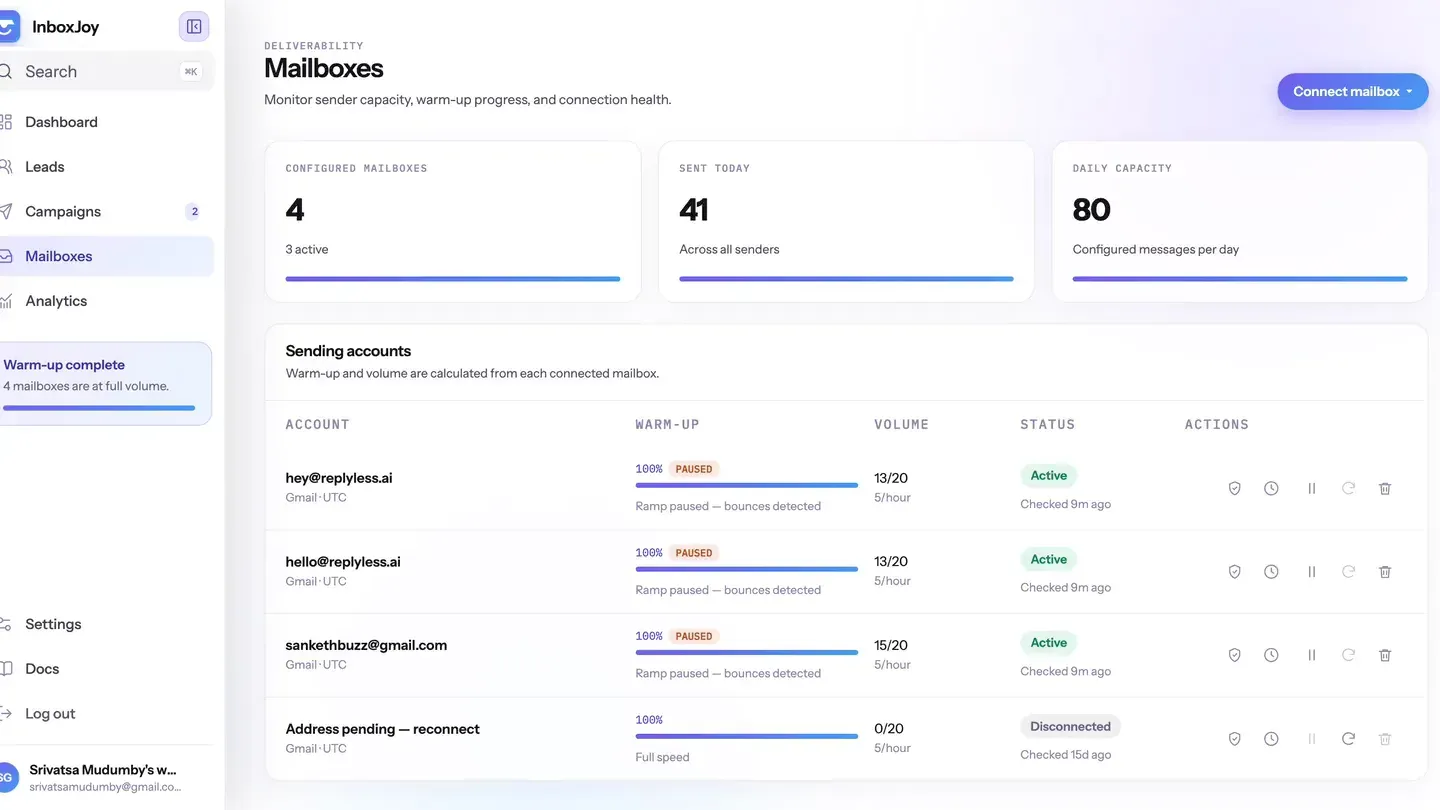
InboxJoy is cold email software built around mailbox rotation and bounce intelligence. You connect as many Gmail and Outlook mailboxes as you like, write or AI-draft a sequence, and InboxJoy spreads sends across every healthy mailbox, ramps new ones slowly, and throttles any mailbox the moment its bounce rate climbs.
It's priced as one flat plan with everything included, so adding a teammate or a fifth mailbox never changes your bill.
InboxJoy pricing
| Plan | Cost | Included | Notes |
|---|---|---|---|
| Monthly | $25/mo (regular $45) | Unlimited mailboxes, campaigns, sends and teammates | 7-day free trial |
| Yearly | $199/yr (regular $399) | Everything in Monthly | Works out to about $16.60/mo |
Both plans carry a 30-day money-back guarantee.
What makes it different
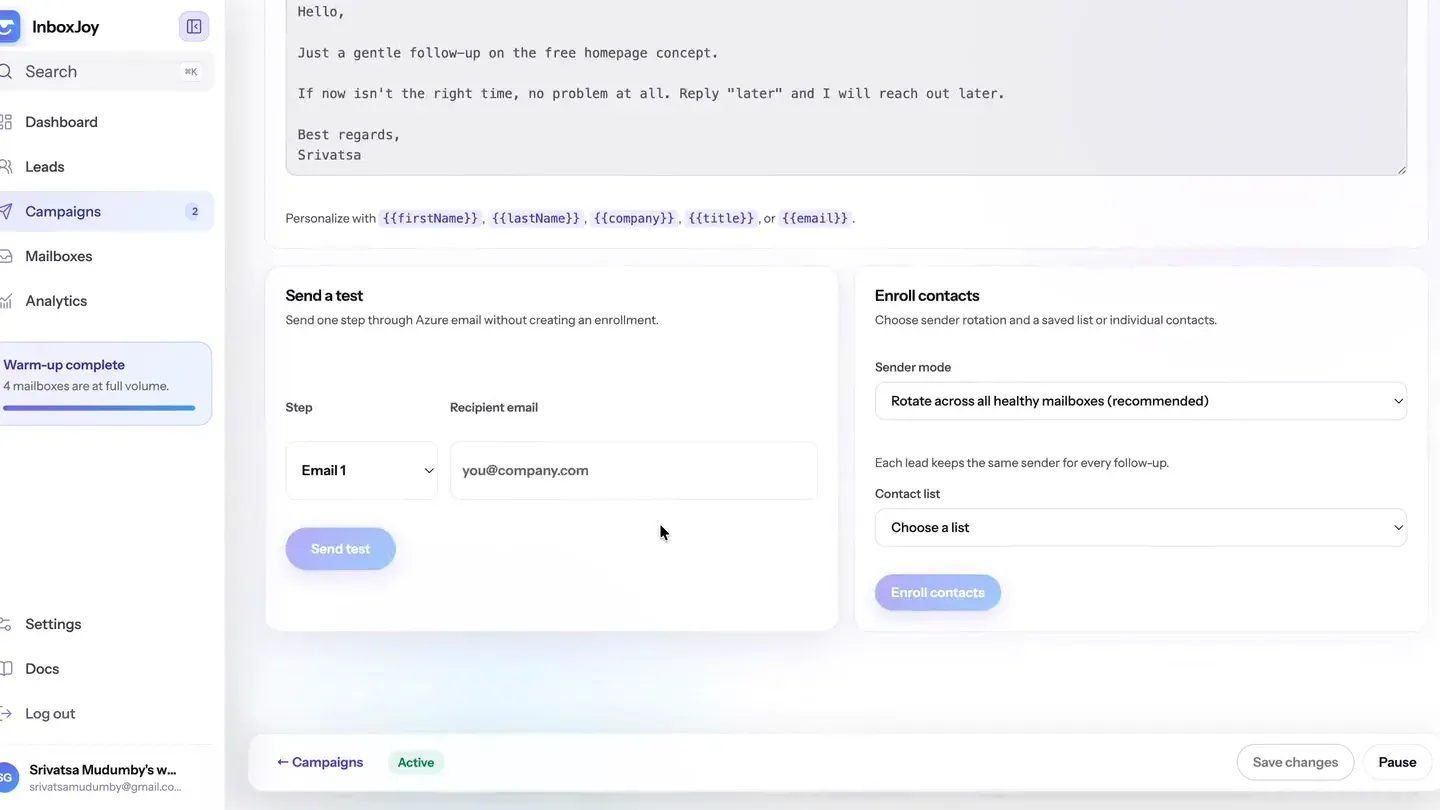
- Unlimited mailboxes with automatic rotation. Each lead keeps the same sender for every follow-up, so threads stay intact while volume spreads across all your healthy mailboxes.
- Bounce intelligence. Each mailbox is scored continuously. At a 2% bounce rate it's marked degraded and slowed; at 5% it's paused before it can damage your domain.
- Built-in warm-up ramp. New mailboxes start at 8 emails a day and climb about 15% a day toward your cap, with sends spaced 30 to 90 seconds apart.
- Human-only open rates. Opens from security scanners and mail prefetchers are filtered out, so the open rate reflects people.
- Unsubscribe-rate warnings per campaign, so you spot a bad list before it turns into spam complaints.
- AI sequence drafting and an MCP server, which lets you run campaigns from Claude or ChatGPT.
The downside
InboxJoy is email-only and focused on sending well. There's no built-in lead database, no LinkedIn steps and no dialer, so you'll bring your own list (CSV import takes a minute) and use a separate tool for other channels. It also connects Gmail and Outlook mailboxes; if your team sends from a custom SMTP server, check with us first. It's also the newest tool on this list.
2. Instantly: best for high-volume senders who also want leads
Instantly is one of the most popular cold email platforms, known for unlimited mailboxes and unlimited warm-up on every plan. It has grown into a bundle of sending, a large B2B lead database and AI agents, so many teams use it as their whole outbound stack.
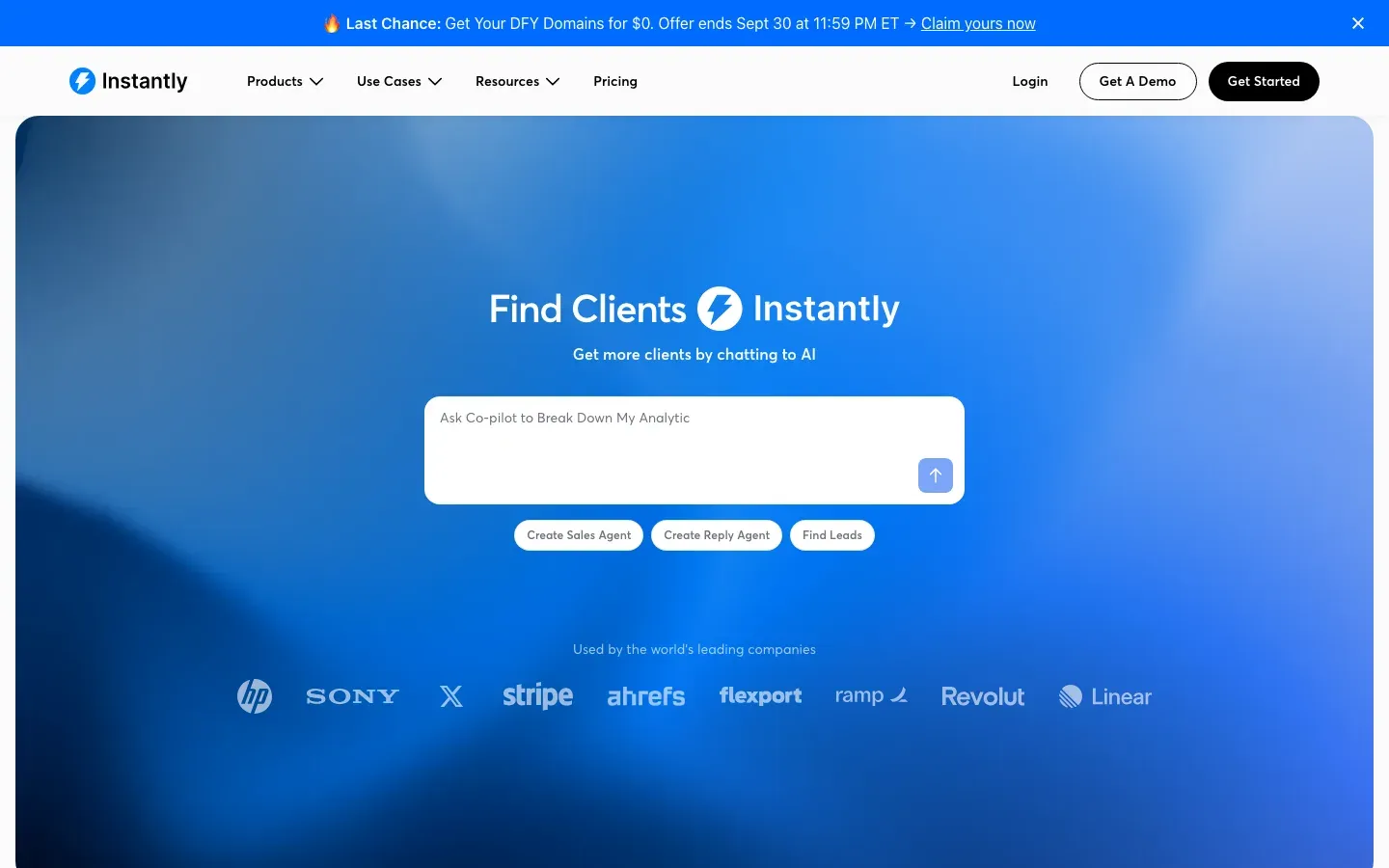
Instantly pricing
| Plan | Monthly cost | Included volume | Notes |
|---|---|---|---|
| Growth | $47 | 5,000 emails/mo, 1,000 contacts | Unlimited mailboxes and warm-up |
| Hypergrowth | $97 | 125,000 emails/mo, 25,000 contacts | |
| Light Speed | $358 | 500,000 emails/mo, 100,000 contacts |
Lead data and AI features are sold as separate bundles on top of the sending plans.
What makes it different
- Unlimited mailboxes and warm-up even on the entry plan.
- A large built-in B2B contact database, so prospecting and sending live in one place.
- A big ecosystem of tutorials, agencies and templates around it, plus an official MCP integration.
The downside
The entry plan's 1,000-contact cap fills up fast, and the lead database is a separate purchase. Some users report healthy warm-up scores while real campaigns still land in spam, with little explanation of why. See our full Instantly alternative comparison.
3. Smartlead: best for agencies running many clients
Smartlead is built for volume and for agencies. Unlimited mailboxes on every tier, white-label client portals and a deep API make it a favorite for lead-gen shops managing dozens of client domains.
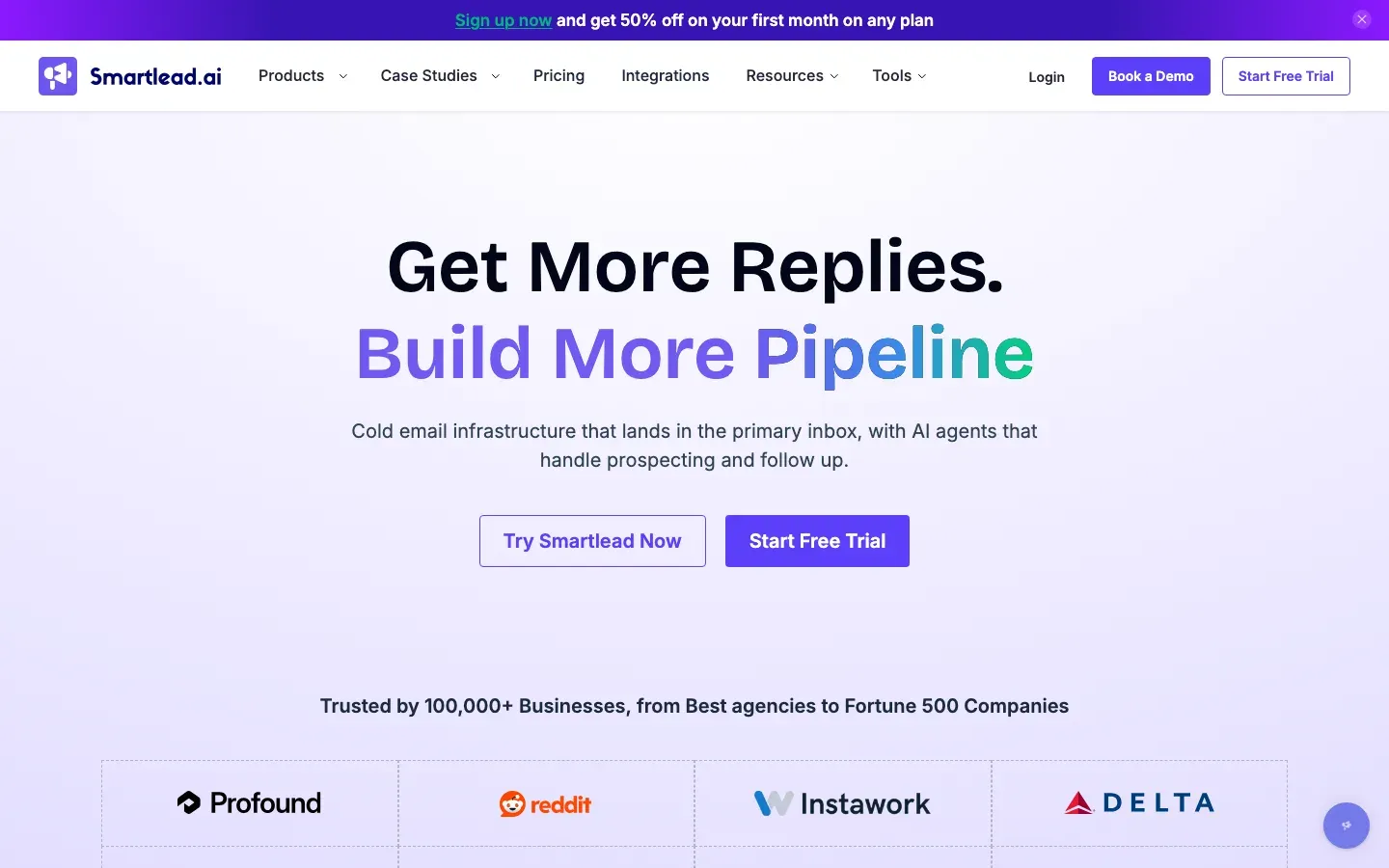
Smartlead pricing
| Plan | Monthly cost | Included volume | Notes |
|---|---|---|---|
| Base | $39 | 2,000 contacts, 6,000 emails/mo | Unlimited mailboxes |
| Pro | $94 | 30,000 contacts, 90,000 emails/mo | |
| Unlimited Smart | $174 | Unlimited contacts, 150,000 emails/mo | |
| Unlimited Prime | $379 | Unlimited contacts, 500,000 emails/mo | Includes dedicated sending servers |
White-label is $29/month per client, and dedicated servers and deliverability testing are paid add-ons.
What makes it different
- Unlimited mailboxes at every price point, starting at the lowest entry price of the big three.
- White-label client management built for agencies.
- An official MCP server with a very large set of tools for AI-agent workflows.
The downside
Add-ons stack up quickly for agencies, and support responsiveness is the most common complaint in critical reviews. Some users also report mailboxes disconnecting mid-campaign. See our Smartlead alternative page for a side-by-side.
4. Lemlist: best for email plus LinkedIn in one sequence
Lemlist made its name on personalized images and videos in cold emails, and has become a full multichannel platform. A single Lemlist sequence can mix emails, LinkedIn visits and messages, calls and SMS.
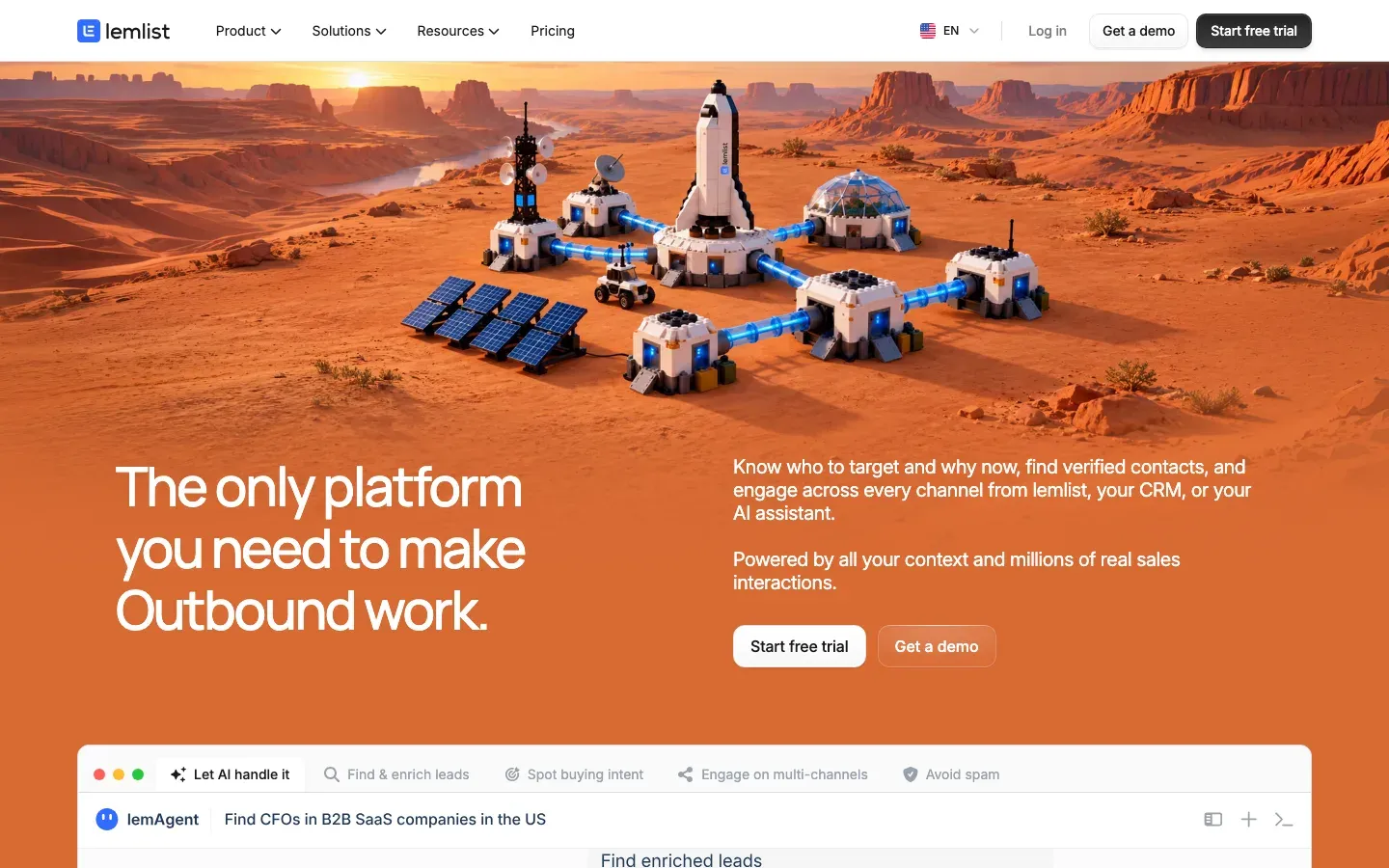
Lemlist pricing
| Plan | Monthly cost | Included volume | Notes |
|---|---|---|---|
| $69 | 50,000 emails/mo | Unlimited senders, lemwarm warm-up | |
| Multichannel | $109 per user | Unlimited emails and messages | 5 senders per user, LinkedIn, calls, SMS |
| Enterprise | Custom | Custom |
Enrichment and intent-signal credits are sold as add-ons.
What makes it different
- Real multichannel sequences: email, LinkedIn, calls and SMS in one flow.
- Strong personalization tools, including custom images and landing pages.
- A large built-in lead database and an official MCP server.
The downside
It's one of the pricier options, and the real cost climbs once you add enrichment credits and more seats. LinkedIn steps rely on a Chrome extension, which some users say needs reinstalling mid-campaign. More in our Lemlist alternative comparison.
Compare that with InboxJoy's one flat price →
5. Apollo.io: best if you need a contact database first
Apollo is a prospecting database first and a cold email tool second. You search hundreds of millions of contacts, build a list, and send sequences from the same place. For teams with no list and no data provider, that combination is hard to beat.
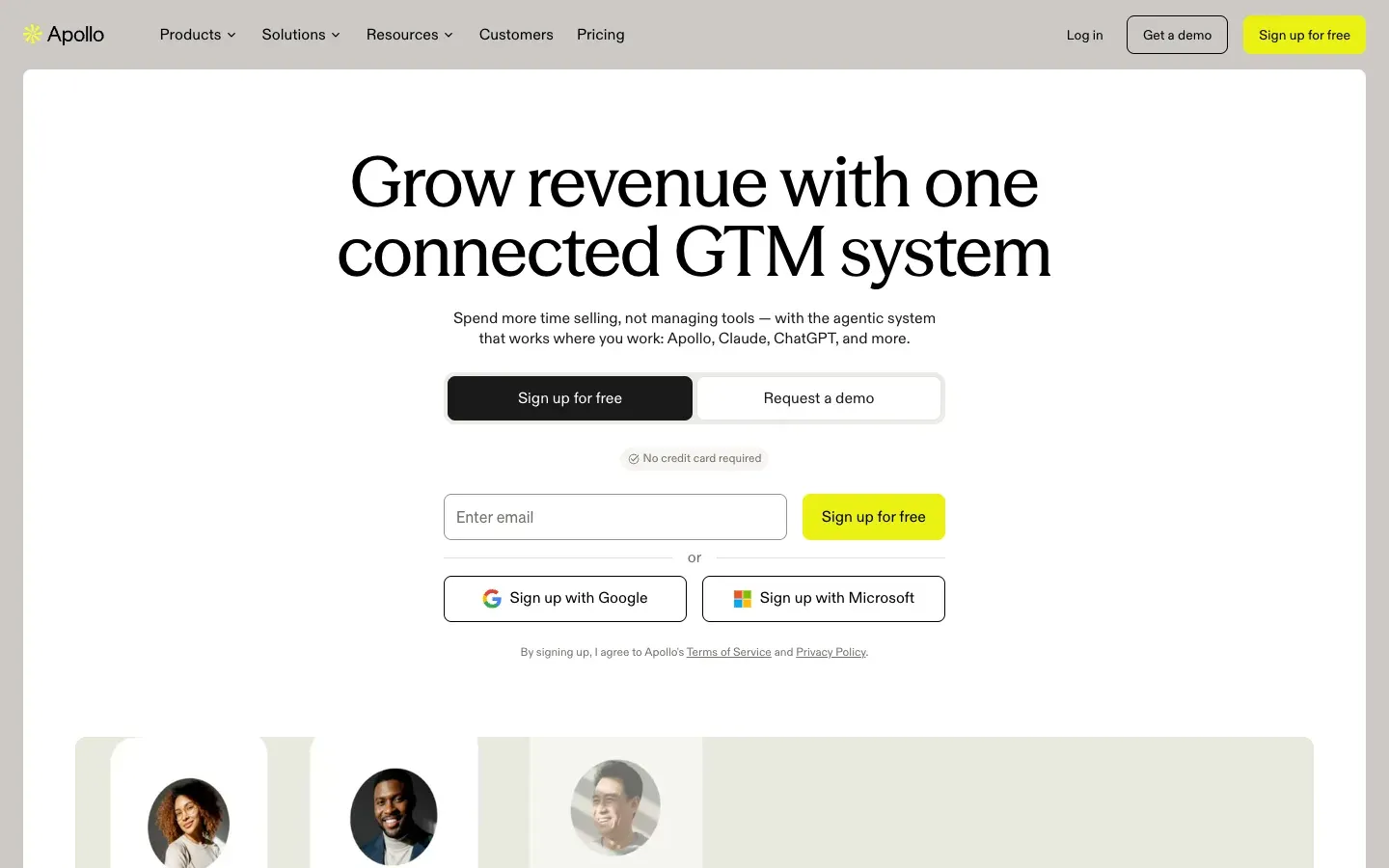
Apollo.io pricing
| Plan | Monthly cost | Included volume | Notes |
|---|---|---|---|
| Free | $0 | Limited credits | Good for testing the data |
| Basic | ~$59 per user | Credit-based | |
| Professional | ~$99 per user | Credit-based | AI writing features |
| Organization | ~$149 per user | Credit-based | 3-seat minimum |
Apollo prices per seat and meters emails, phone numbers and exports with credits, so your real cost depends on usage.
What makes it different
- One of the largest built-in B2B contact databases available.
- Data, sequences and a light CRM in a single login.
- A generous free plan to evaluate data quality before paying.
The downside
Data accuracy is the most common complaint, especially outside North America, so budget for email verification before you send. Deliverability tooling is lighter than dedicated senders, and per-seat pricing gets expensive as your team grows. See our Apollo alternative page.
6. Reply.io: best for email, calls and SMS together
Reply.io is a sales engagement platform that runs email, LinkedIn, calls, SMS and WhatsApp from one sequence builder. Its AI SDR, Jason, can handle prospecting and first replies for teams that want to automate more of the pipeline.

Reply.io pricing
| Plan | Monthly cost | Included volume | Notes |
|---|---|---|---|
| Email Volume | From ~$59 | From 1,000 active contacts | Scales with contact volume |
| Multichannel | From ~$89 per user (yearly) | Email, LinkedIn, calls, SMS | |
| AI SDR (Jason) | From ~$500 | 1,000 contacts | AI-run prospecting and replies |
Reply.io offers a 14-day free trial on all plans.
What makes it different
- Genuinely multichannel sequences, including calls, SMS and WhatsApp.
- Consistently well-rated, fast customer support.
- An AI SDR option and a hosted MCP server for teams automating outbound end to end.
The downside
Pricing is harder to predict because it scales with contacts, seats and add-ons. Reviewers often say simple actions take too many clicks, and LinkedIn automation through the browser extension can put LinkedIn accounts at risk.
7. Woodpecker: best for pay-as-you-go usage pricing
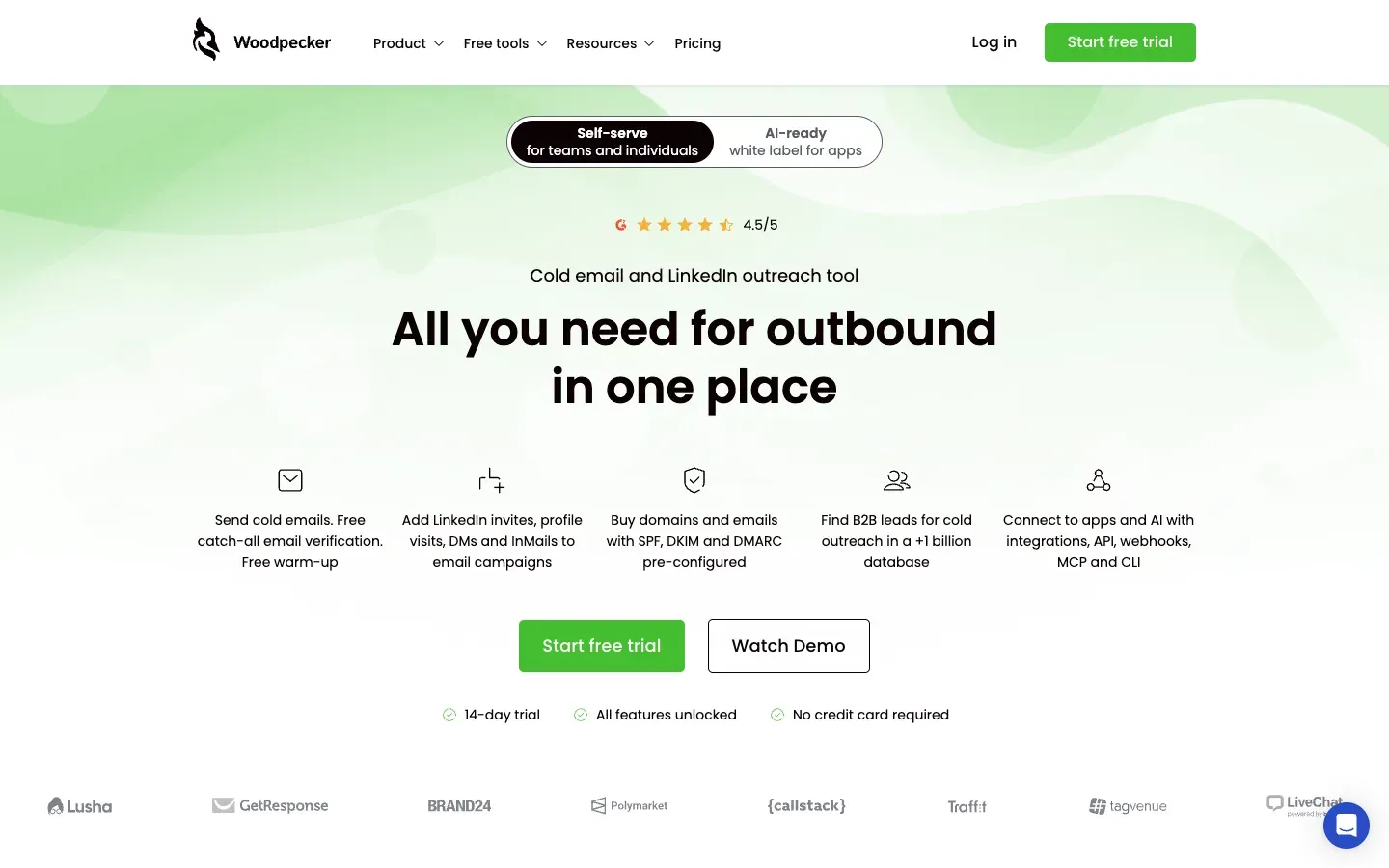
Woodpecker is a long-running cold email tool popular with European B2B teams. Instead of tiers, it charges for the prospects you actually contact, and it bundles unlimited email accounts and team members into that usage price.
Woodpecker pricing
| Plan | Monthly cost | Included volume | Notes |
|---|---|---|---|
| Usage-based | $7 per 100 contacted prospects | Up to 16,000 emails/mo on the base bundle | Unlimited email accounts and teammates, 4 free warm-ups |
Extra warm-up slots are $5/month each, and API access sits in a paid integrations add-on. Woodpecker offers a 14-day trial with no card required.
What makes it different
- You pay for prospects contacted, which suits irregular or seasonal outreach.
- Unlimited mailboxes and seats included in the usage price.
- Adaptive sending and built-in email verification focused on deliverability.
The downside
Usage pricing is harder to forecast when volume grows, and add-ons for warm-up and integrations add up. Billing and cancellation complaints show up repeatedly in public reviews, so read the terms carefully. See our Woodpecker alternative comparison.
8. Mailshake: best for a simple tool with a built-in dialer
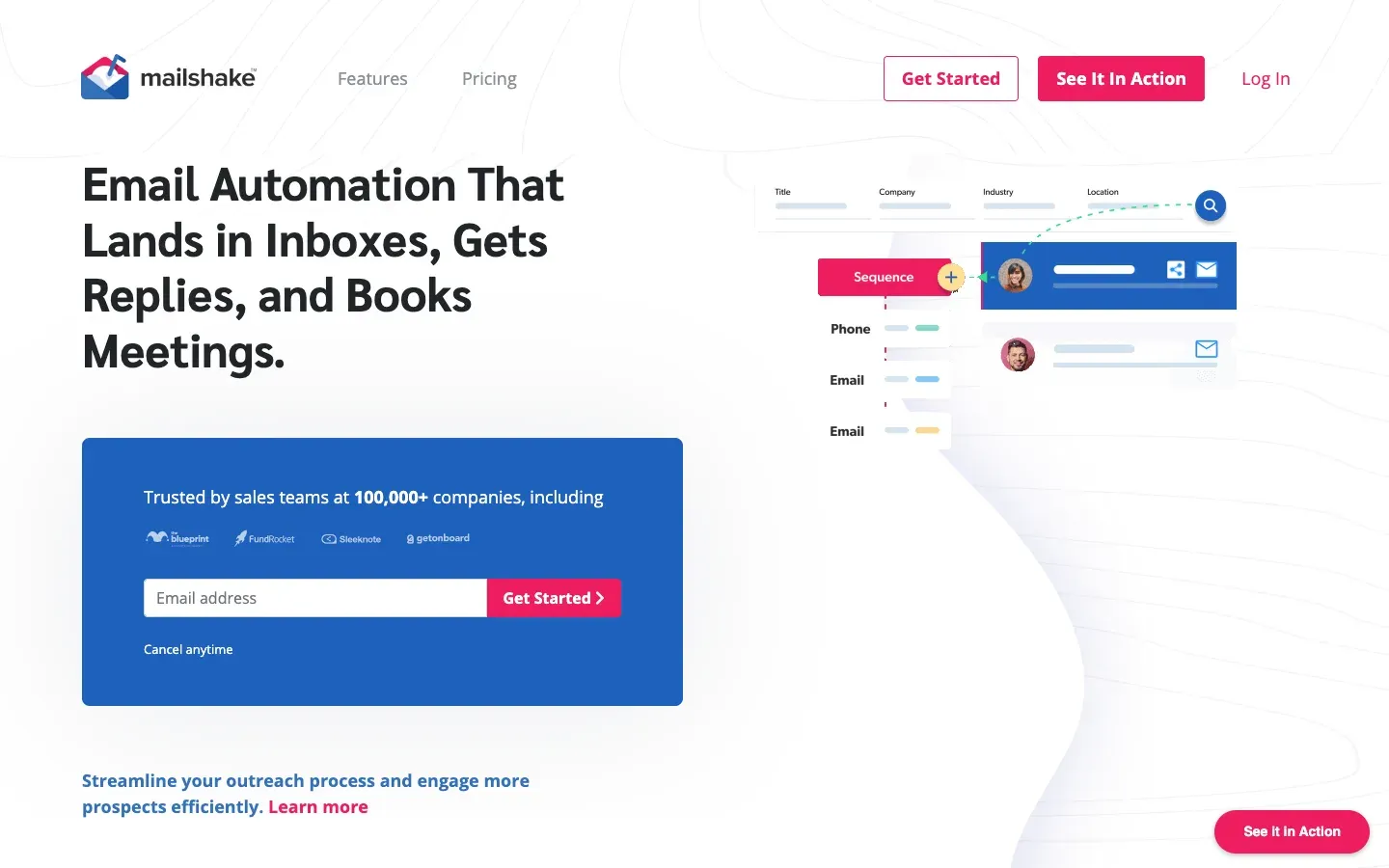
Mailshake is one of the original cold email tools and still one of the simplest to learn. Its higher plan adds a power dialer, which makes it a nice fit for small sales teams that follow up cold emails with calls.
Mailshake pricing
| Plan | Monthly cost | Included volume | Notes |
|---|---|---|---|
| Starter | $29 | 1 mailbox, 1,500 emails/mo | Unlimited warm-up |
| Email Outreach | $49 | 2 mailboxes, unlimited sends | Rotation, unified inbox, CRM integrations |
| Sales Engagement | $99 | 10 mailboxes, unlimited sends | Power dialer, 5 phone numbers |
| Agency | Custom | Unlimited mailboxes |
Mailshake has no free plan or free trial.
What makes it different
- Clean, beginner-friendly interface with unlimited warm-up on every plan.
- Native Salesforce, HubSpot and Pipedrive integrations from the $49 plan.
- A built-in power dialer, which is rare in cold email tools.
The downside
Mailbox caps (1, 2 or 10) make rotation expensive as you scale, and there's no trial to test before paying. Reviewers also mention mailboxes disconnecting and out-of-office replies being counted as leads. See our Mailshake alternative page.
How we picked these tools
We signed up for or reviewed each tool's current plans, captured screenshots in September 2026, and checked list prices on each vendor's pricing page. We weighted deliverability protection (rotation, ramp, bounce handling) most heavily, then price for a team sending from three to ten mailboxes, then ease of setup.
Which cold email software should you choose?
- You're a founder or small team with your own list: InboxJoy. Unlimited mailboxes and automatic protection for one flat price.
- You need leads and sending in one subscription: Instantly or Apollo.io.
- You run an agency with many client domains: Smartlead.
- Your buyers live on LinkedIn: Lemlist or Reply.io.
- Your outreach is seasonal: Woodpecker's usage pricing.
- Your reps call after emailing: Mailshake.
Start your 7-day InboxJoy trial →
Frequently asked questions
What is cold email software?
Cold email software sends personalized email sequences to prospects who haven't heard from you yet. Good tools also handle follow-ups, stop when someone replies, spread volume across mailboxes and protect your sender reputation.
Is cold email legal?
In most countries, yes, when you email business contacts with a relevant offer, identify yourself honestly and include a clear way to opt out. Rules are stricter in parts of the EU and Canada, so check the laws where your prospects are.
How many cold emails can I send per day?
A safe range is 20 to 50 cold emails per mailbox per day once the mailbox is warmed up. To send more, add mailboxes and rotate across them instead of pushing one inbox harder.
Do I need a separate domain for cold email?
It's strongly recommended. Sending from a lookalike domain (for example, getyourbrand.com) protects your main domain's reputation if a campaign runs into trouble.
Do I still need email warm-up in 2026?
Yes for new mailboxes. Starting at a low daily volume and ramping up gradually builds a sending history that Gmail and Outlook trust. Warm-up works best when paired with ongoing bounce monitoring on your real campaigns.
What's a good reply rate for cold email?
A reply rate of 3% to 5% is solid for most B2B campaigns, and well-targeted campaigns can reach 10% or more. Reply rate is a more reliable signal than open rate, which bots inflate.
What bounce rate is too high?
Keep bounces under 2%. Above that, mailbox providers start treating your mail as suspicious, and above 5% you risk real damage to your domain. Verify your list before sending.
What's the cheapest good cold email software?
InboxJoy is $25/month at launch pricing with unlimited mailboxes, sends and teammates, or $199 a year. Smartlead ($39) and Mailshake ($29) are the next lowest entry prices, with volume or mailbox limits on those plans.



