
Should Cold Email Follow-Ups Stay in the Same Thread?
Learn when to keep cold email follow-ups in one thread, when to start fresh, and how to configure sequences without misleading prospects.
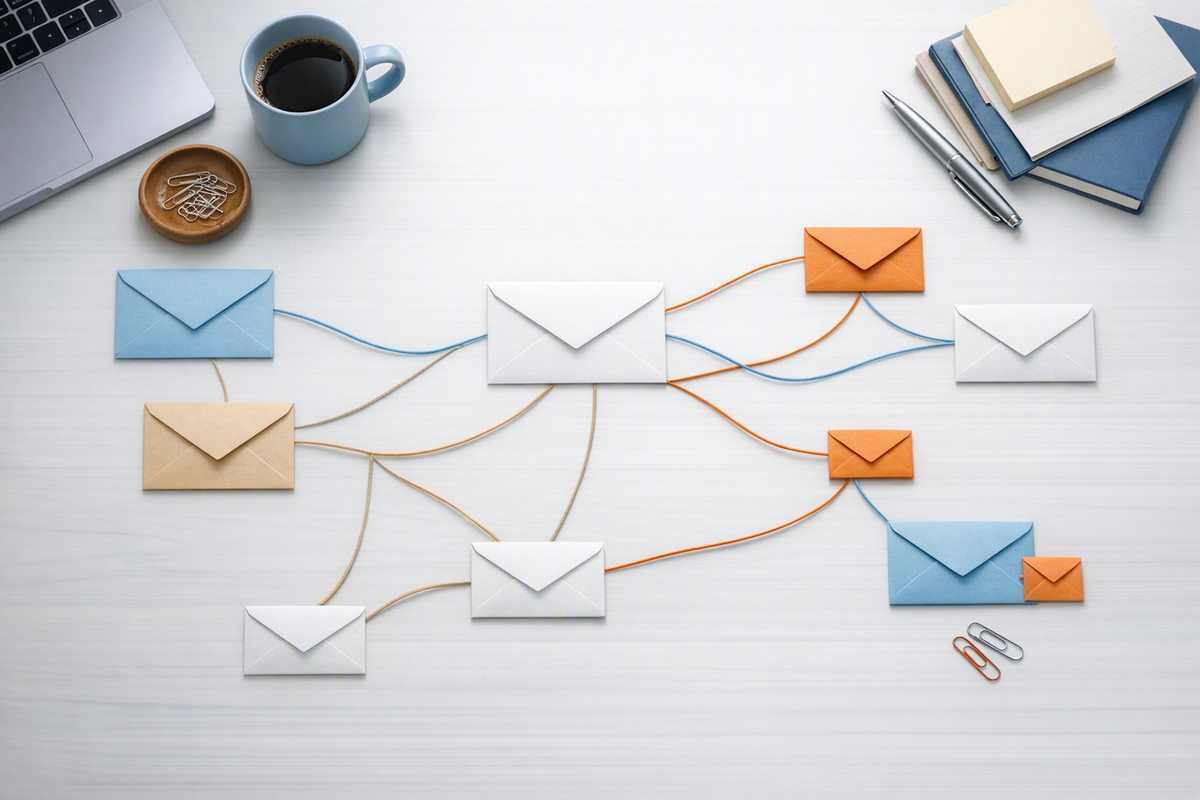
Cold email follow-ups should usually stay in the same thread when they continue the original conversation, target the same person, and preserve a relevant subject. Start a new thread when the message introduces a materially different problem, offer, stakeholder, or trigger. Threading improves context and recognition, but it does not repair poor deliverability, make an irrelevant pitch persuasive, or justify a misleading first-message subject.
Use message continuity as the decision rule
The right choice depends less on sequence step number than on whether the follow-up logically belongs to the earlier message. Ask: if the prospect opened both emails together, would the second feel like a continuation or a separate reason to talk?
| Situation | Recommended approach | Reason |
|---|---|---|
| Reminder or concise restatement of the original value proposition | Same thread | The earlier message supplies useful context. |
| New proof point supporting the same offer | Same thread | The message advances one conversation. |
| Different product, use case, or business problem | New thread | The original subject may frame the message incorrectly. |
| Recent funding, hiring, leadership, or technology trigger | Usually new thread | The trigger creates a distinct and timely reason to contact. |
| Outreach resumes after several months | Usually new thread | Old assumptions and context may no longer apply. |
| Another person at the same company is contacted | New thread | Each recipient needs an independently relevant message. |
Understand what creates an email thread
Email clients commonly use message metadata such as In-Reply-To and References, alongside subjects and other heuristics, to group messages. Adding “Re:” to a subject is not a reliable substitute for correctly formed reply headers.
Your sequencing platform should send a follow-up as a reply to the original message when same-thread mode is selected. Test this behavior with internal addresses across the mailbox providers your team uses. Confirm that the follow-up groups correctly and retains readable quoted context.
Do not put “Re:” on an initial cold email to imply a conversation that never happened. Beyond being misleading, the tactic can undermine trust when the recipient opens the message.
Build a thread-aware follow-up sequence
1. Give the initial email a durable subject
Choose a subject broad enough to remain accurate across the planned sequence. “Reducing manual renewal work” can support several related follow-ups; “Question about Tuesday’s outage” cannot if no such event occurred.
2. Make every follow-up understandable on its own
A recipient may read only the newest message in the preview pane. Briefly restate the relevant point rather than writing “Thoughts?” or “Following up” without context.
Example: “I reached out because your customer success team appears to be hiring for several renewal-focused roles. We help SaaS teams reduce manual account research before renewal reviews. Is that workflow owned by you?”
This message benefits from the original thread but still communicates a reason for contacting the prospect.
3. Add information instead of manufacturing urgency
Each follow-up should contribute a useful angle: a clearer problem statement, a relevant capability, a credible proof type, or a simpler call to action. Avoid unsupported deadlines, invented scarcity, and repeated “bumping this” messages.
4. Start fresh when the premise changes
Suppose the original sequence concerns lead routing, but a later campaign addresses duplicate CRM records. Even if both relate to revenue operations, they represent different problems and should generally use separate threads. Suppress prospects who opted out or gave a clear negative response; a new subject does not reset consent or preference signals.
5. Test the actual recipient experience
Before launch, send the full sequence to controlled inboxes. Check the subject, sender identity, reply headers, quoted history, mobile readability, links, and signature. Inbox rendering can vary, so inspect more than one major provider where practical. Teams evaluating their broader setup can review the InboxJoy documentation and relevant free tools.
Do not treat threading as a deliverability tactic
Same-thread follow-ups may make a conversation easier to recognize, but no universal rule guarantees better inbox placement. Sender authentication, reputation, complaint signals, list quality, message relevance, and sending behavior remain more consequential.
Likewise, a new thread should not be used to evade filtering or repeatedly repackage unwanted outreach. If replies, bounces, complaints, or provider-level signals deteriorate, pause and diagnose the underlying campaign rather than changing subjects alone.
Compact launch checklist
- Keep the thread when the recipient, problem, and offer remain the same.
- Start a new thread for a new premise, trigger, stakeholder, or use case.
- Use genuine reply headers rather than manually adding “Re:”.
- Write follow-ups that make sense without reading the entire history.
- Stop all related sequences after an opt-out or clear negative response.
- Test threading, quoted content, and mobile readability before launch.
- Measure qualified replies and negative signals, not thread-level opens alone.
Frequently asked questions
Should every follow-up use the original subject line?
No. Preserve it while the subject accurately represents the conversation. If a new message requires a substantially different subject to make sense, it probably deserves a new thread and fresh relevance check.
Can a long same-thread sequence become counterproductive?
Yes. Repeated messages can create a large quoted history and emphasize how often the recipient has not responded. Keep sequences concise, stop when evidence suggests poor fit, and avoid continuing merely because more automated steps are available.
Use InboxJoy to support a more controlled outbound workflow, then choose a plan that fits your team on the pricing page.



